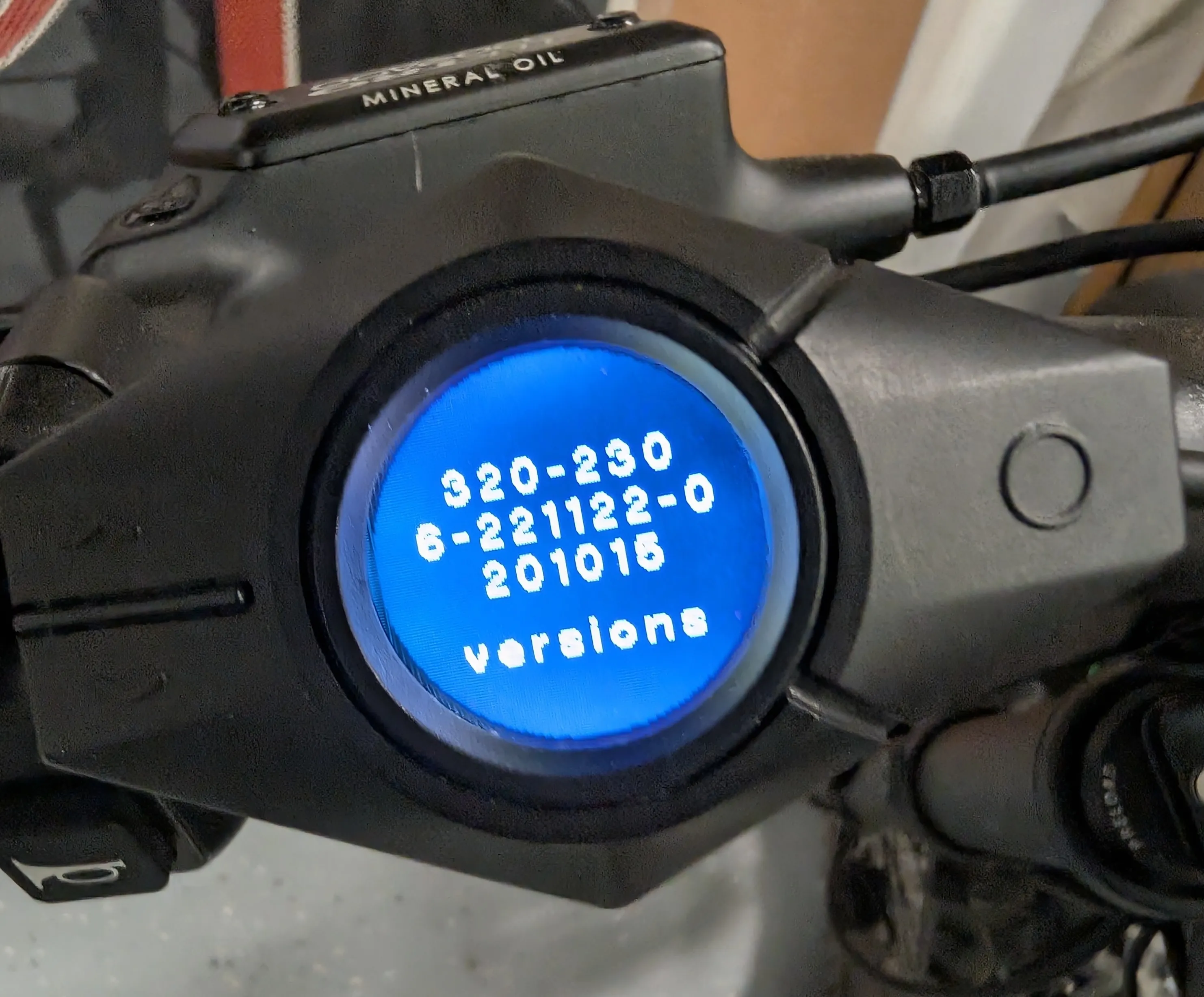
Display firmware
Back up and replace the firmware on the Diamond display. This one needs a debug probe and means opening the case.
Browser requirement: This tool requires Chrome, Edge, or another Chromium-based browser for WebUSB support. Works on Android with Chrome. Does not work on iOS (Apple doesn't allow real Chrome on iPhones/iPads).
What You'll Need
- Raspberry Pi Debug Probe(Recommended)
A low-cost SWD debug probe that works perfectly with this tool. Available from the Raspberry Pi store or major electronics retailers.
- Jumper wires(Included with debug probe)
Three male-ended jumper wires to connect the debug probe to the test points. The GND wire will be shimmed into the white connector on the backside of the PCB (may require tape to keep in place), and the SW wires will be held in place on the test points.
- Access to test points
You'll need to open the Diamond display to access the test points on the PCB inside.
- Custom firmware(Optional)
If you want to flash custom firmware, download it from the custom firmware page before starting.